Home/Reporting Guide

Reporting Guide

Automated profit and loss statement for Indian businesses

An automated P&L statement is only useful when the data behind it is clean: invoices parsed, bank entries matched, and ledgers reviewed.

What a P&L needs

A useful P&L depends on accurate revenue, expense, tax, and ledger treatment. Automation should support those inputs before generating the report.

  • Parsed sales and purchase documents
  • Matched payments
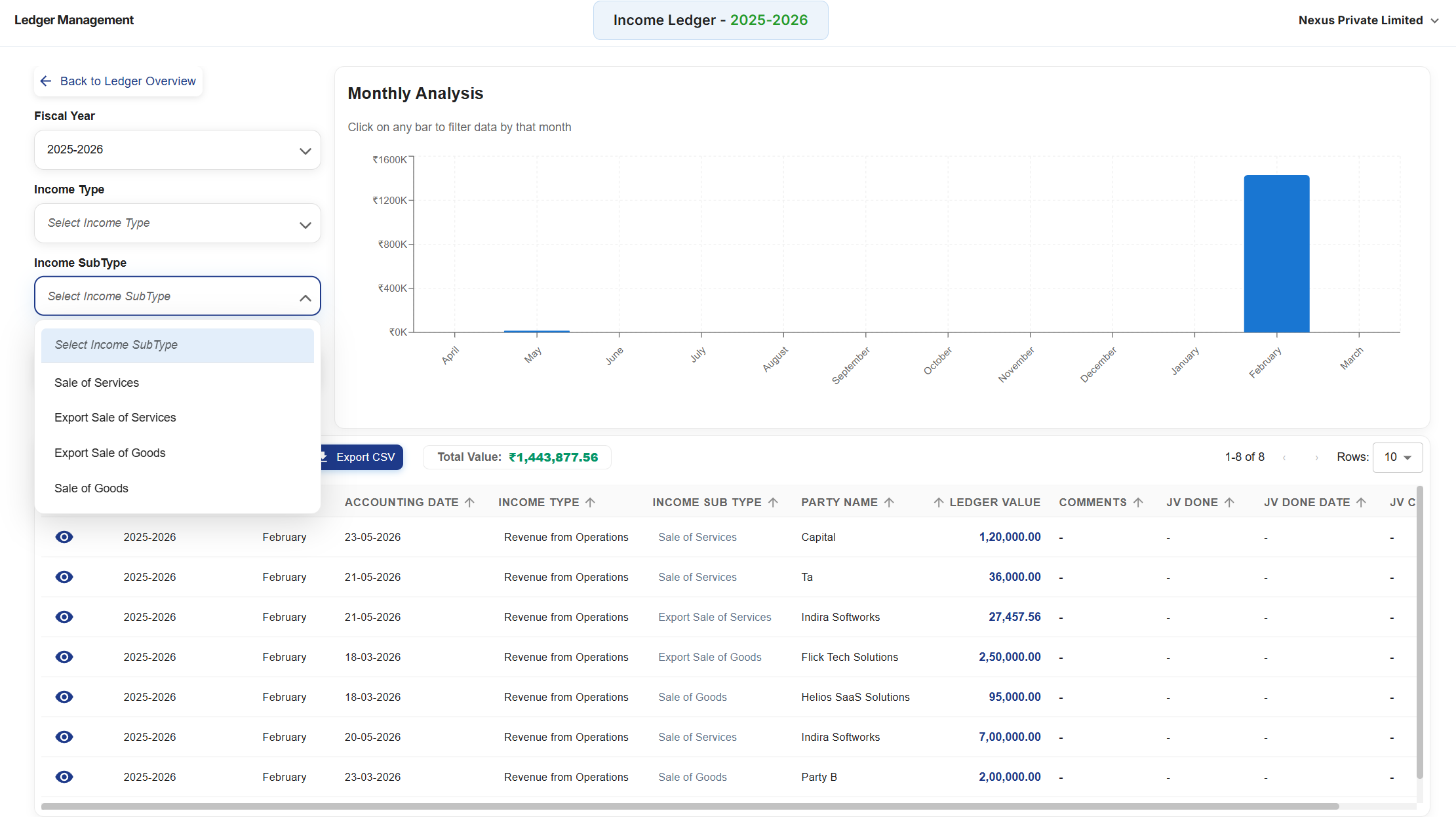
  • Reviewed ledger categories
  • Clean reporting period

How automation improves reporting

Automation reduces the waiting time between document collection and usable financial reports by preparing records as the workflow progresses.

  • Faster data capture
  • Better reconciliation
  • Cleaner ledgers
  • More current reports

Key Capabilities

What this means in practice

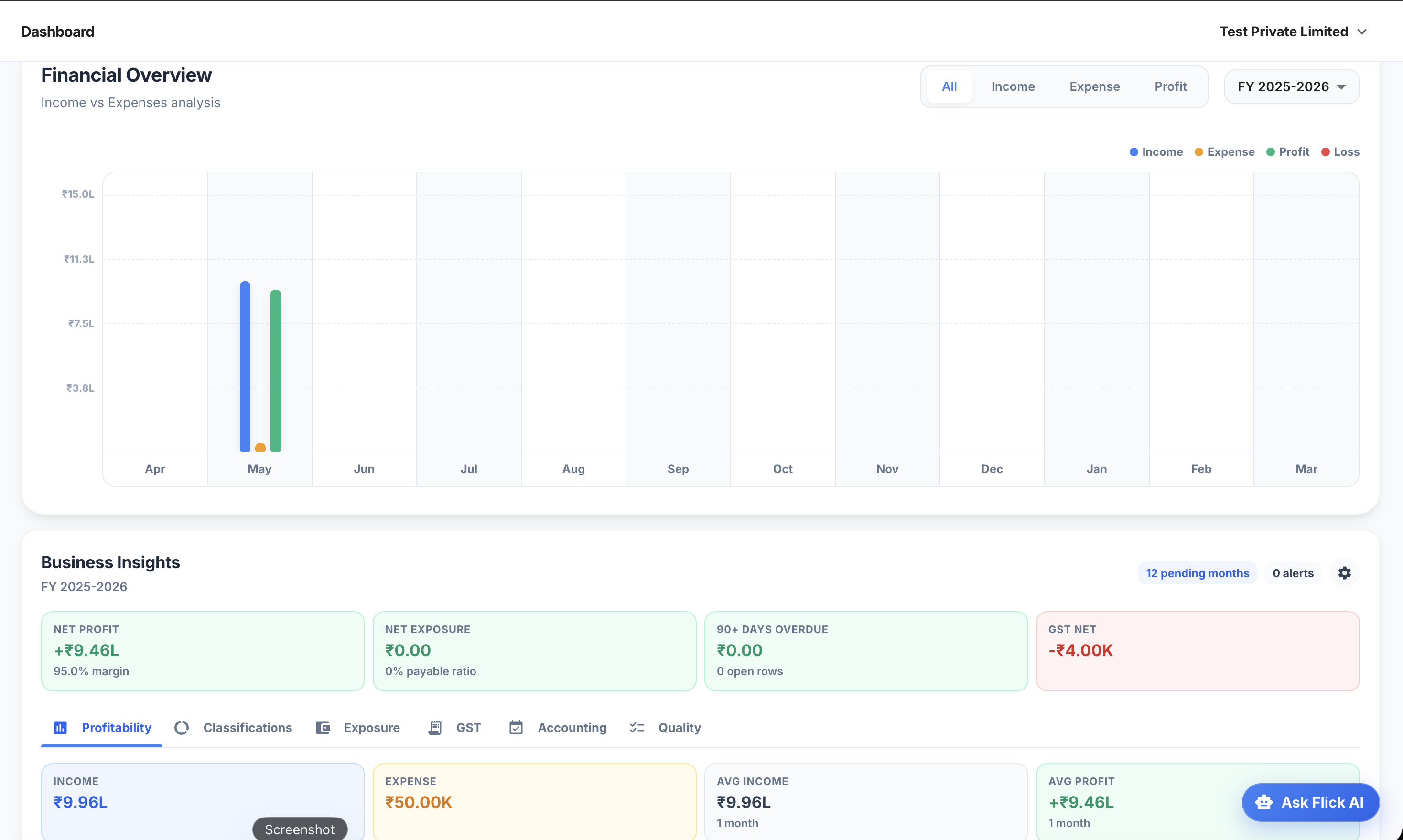
P&L

Understand revenue and expenses for the period.

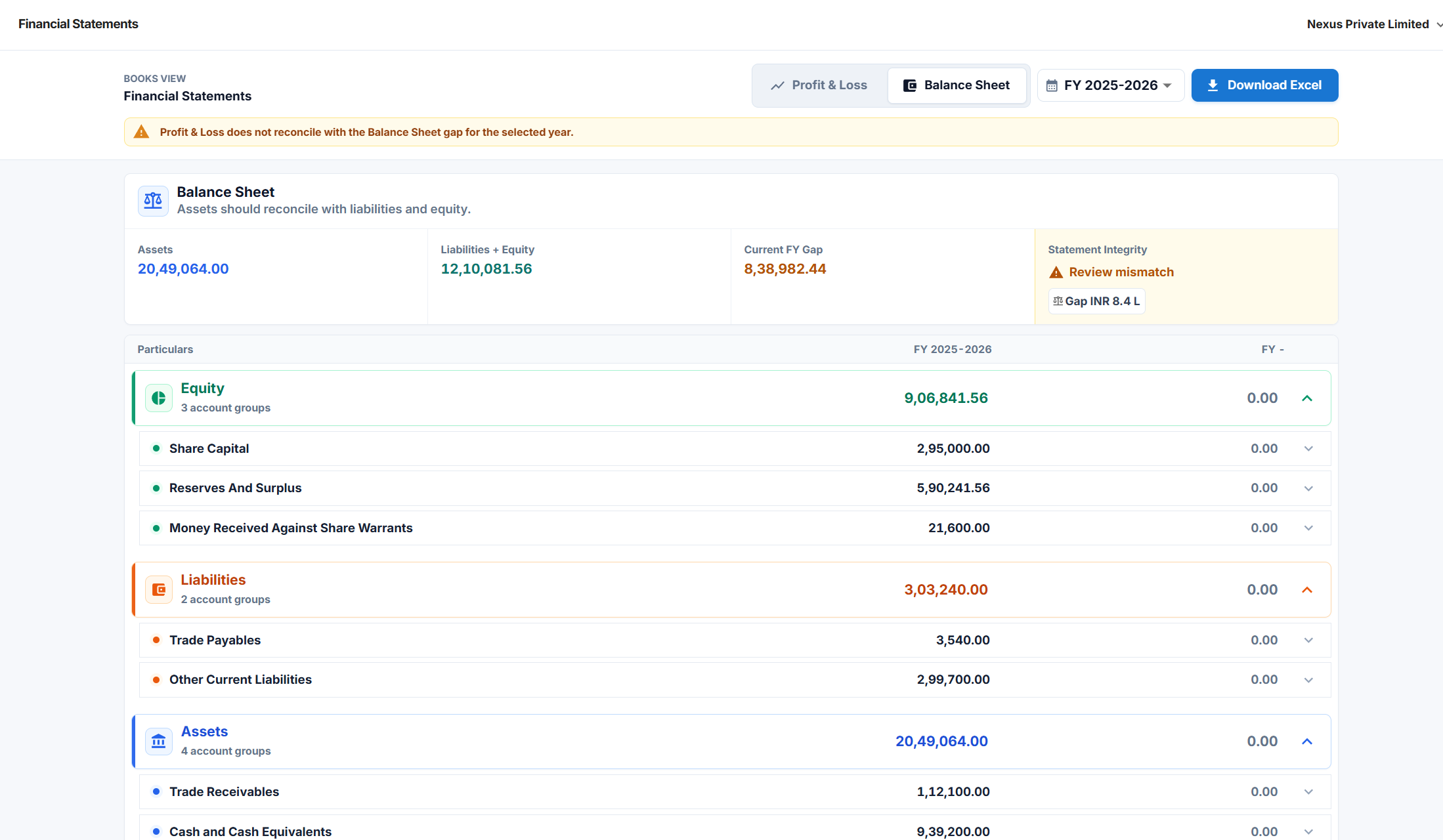
Balance sheet

Review assets, liabilities, and equity.

Cash flow

Track how money moved through the business.

Report automation inputs

InputFeeds intoAutomation support
InvoicesRevenue and expense linesAI parsing
Bank dataPayment statusReconciliation
LedgersAccount classificationSuggestions and review
Period dataMonthly reportsGuided workflow

FAQ

Common questions

Can a P&L be fully automated?

The report can be generated from processed records, but the underlying accounting data should still be reviewed.

Does Flick AI generate financial reports?

Yes. Flick AI supports reports such as P&L, balance sheet, cash flow, receivables, and payables.

Why does reconciliation matter for P&L?

Reconciliation helps confirm payment status and reduces errors before reports are used for business decisions.

Try Flick AI

Test AI accounting on your own monthly workflow

Start with a 14-day free trial or book a demo to see how Flick AI handles invoice parsing, reconciliation, GST/TDS support, and reports for Indian businesses.